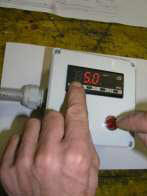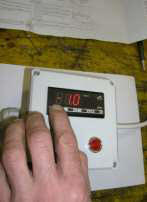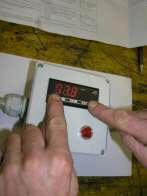
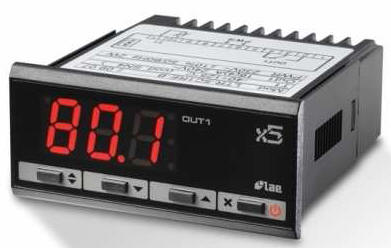
The Set-up menu is accessed by pressing the two end buttons simultaneously for 5 seconds.
Winegrowers Supplies
- Digital Thermostat - instructions for setting it
|
|
|
|
|
Press the first button until you see on the screen 'SPL', this is the minimum limit. When the button is released, the newly programmed value is stored and the following parameter is displayed:
'SPH', this is the maximum limit. When the button is released, the newly programmed value is stored and the following parameter is displayed. |
|
|
Press the first button until you see on the screen '1HY'. Keep the button pressed, use buttons to set the desired value: this is '-1'. '1HY' is the thermostat differential. If the warmer cools down 1 °C, it switches on automatically and if the warmer heats up more it switches off automatically. To exit from the Set-up, press button or wait for 30 seconds. |